🔒
Local Data Handling
Run professional tools on local data securely, without uploading sensitive files to the cloud.
Leverage the Model Context Protocol (MCP) to bridge command-line tools and Large Language Models
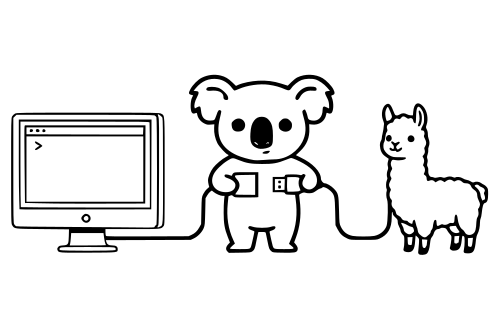
Coala (local COmmAnd-line LLM-agent Adapter) is a Python package that converts any command-line tool into a Large Language Model (LLM) agent. This allows you to interact with the tool using natural language, making it easier to use and integrate with other applications.
The framework works by converting CWL (Common Workflow Language) tool definitions into MCP-compatible agents that can be discovered and invoked by LLMs through natural language queries. Here's how it works: you create an MCP server instance using mcp_api, register your domain-specific tools by providing their CWL definitions via add_tool(), and then start the server. The MCP server exposes these tools as discoverable agents that any MCP-compatible client (like Cursor) can query and invoke.
When an LLM needs to use a tool, it queries the MCP server for available tools, selects the appropriate one, and invokes it with the necessary parameters. The tool executes within a containerized environment (as specified in the CWL), processes the request, and returns results back through the MCP protocol to the LLM, which then presents the answer to the user in natural language.
Coala leverages the Model Context Protocol (MCP) to bridge command-line tools and Large Language Models (LLMs). MCP acts as a "USB-C port" for AI applications, standardizing how LLMs connect to tools and data, regardless of the underlying infrastructure or vendor.
The core infrastructure consists of:
mcp_api, it exposes tool agents over the MCP protocol.add_tool.When an LLM decides to use a tool, it sends the required parameters to the MCP client, which then calls the appropriate agent on the MCP server. The agent pulls the necessary container and executes the tool with the provided parameters, returning results to the LLM.